
Account Login
Steps to login With 1:ID Partner Program
-
Go to the official website of 1:ID. Click here to open the website.
-
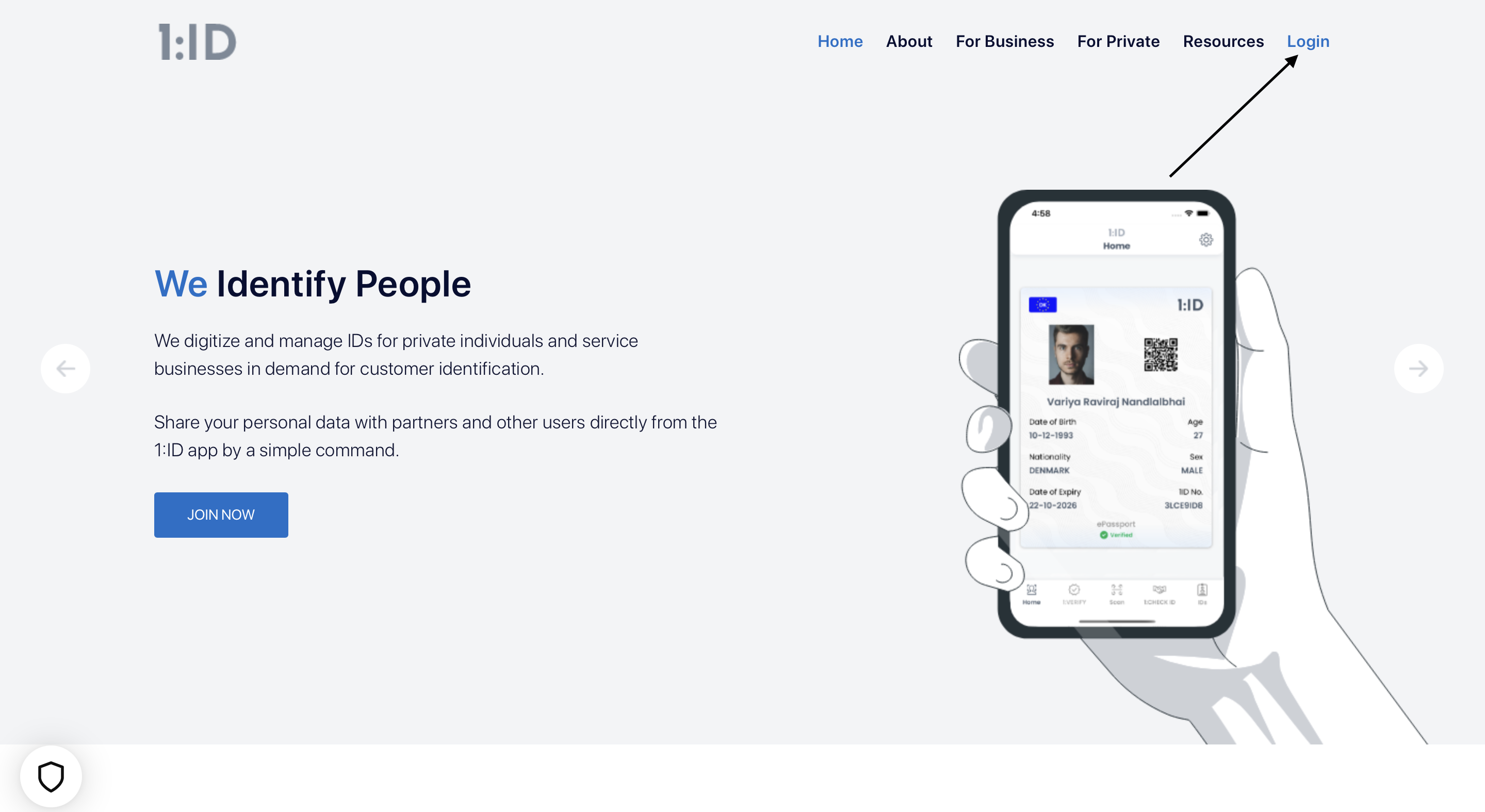
Click on the Login tab from the header.
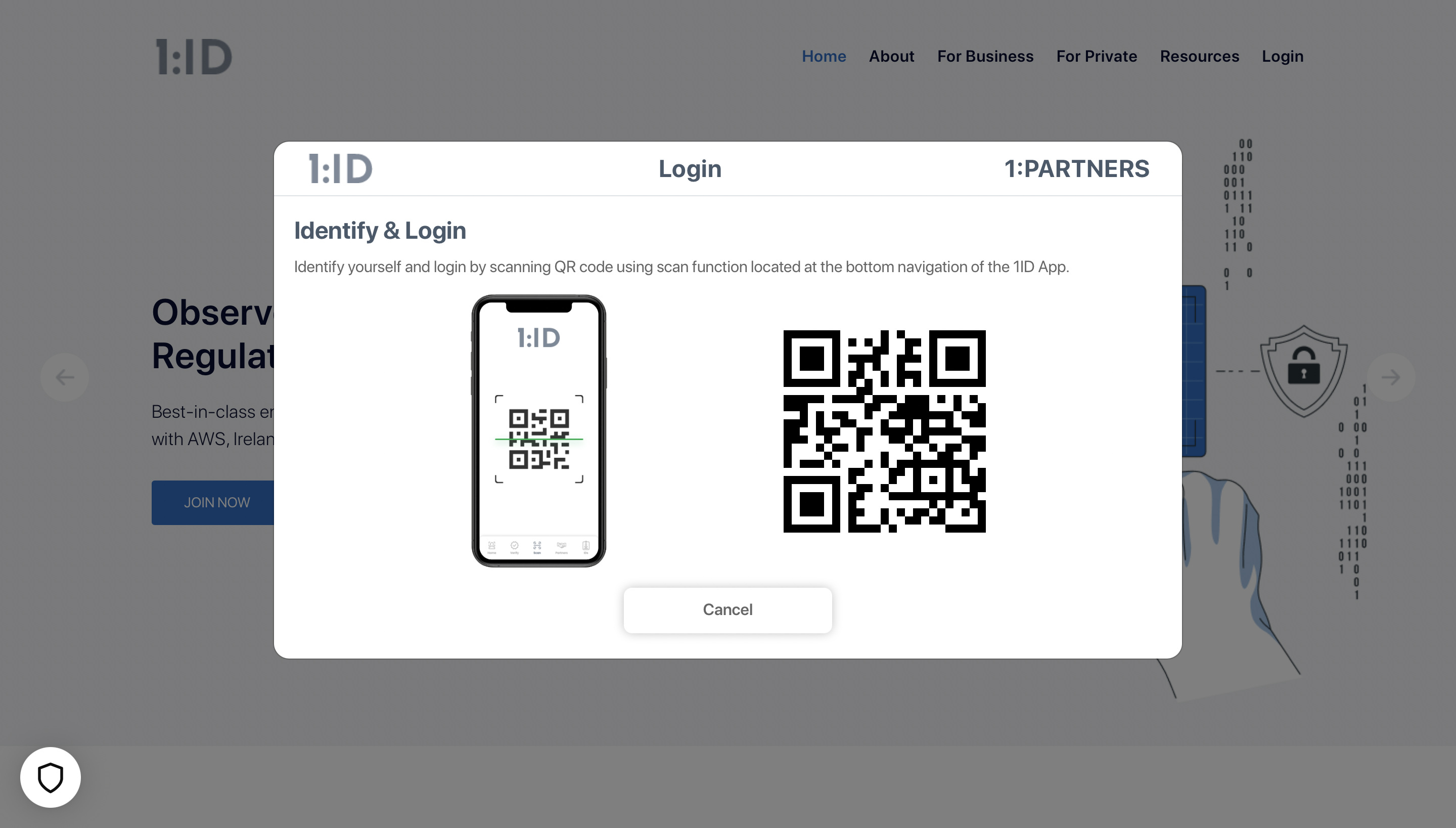
- After clicking on Login, below screen will be popup. Now scan the QR code which is visible on your screen from the Scan tab from your 1:ID mobile application.
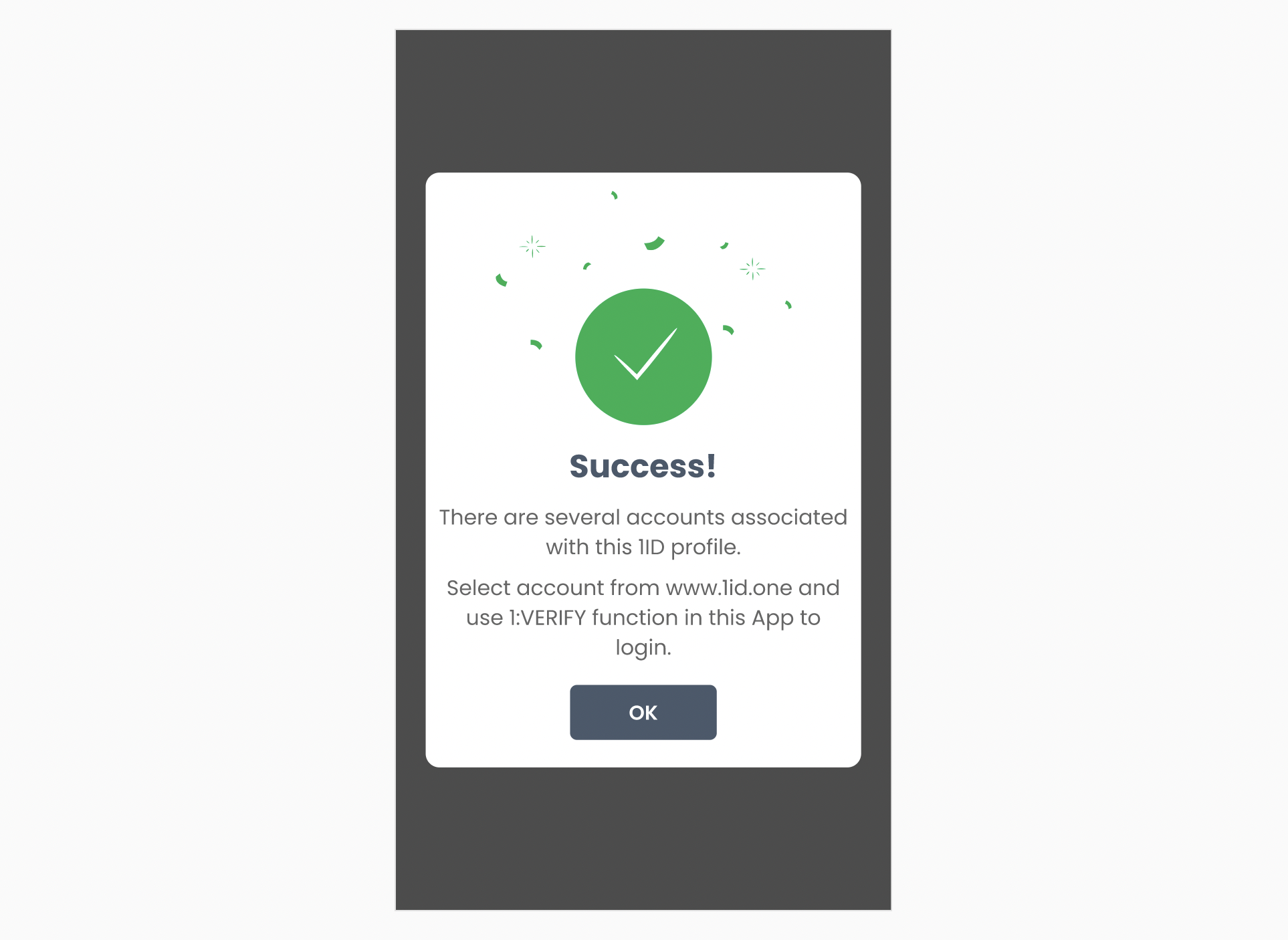
- Upon successfully scanning the QR code, and if you’ve multiple company accounts registered with your 1ID profile, you will receive below dialog box in your 1:ID application.
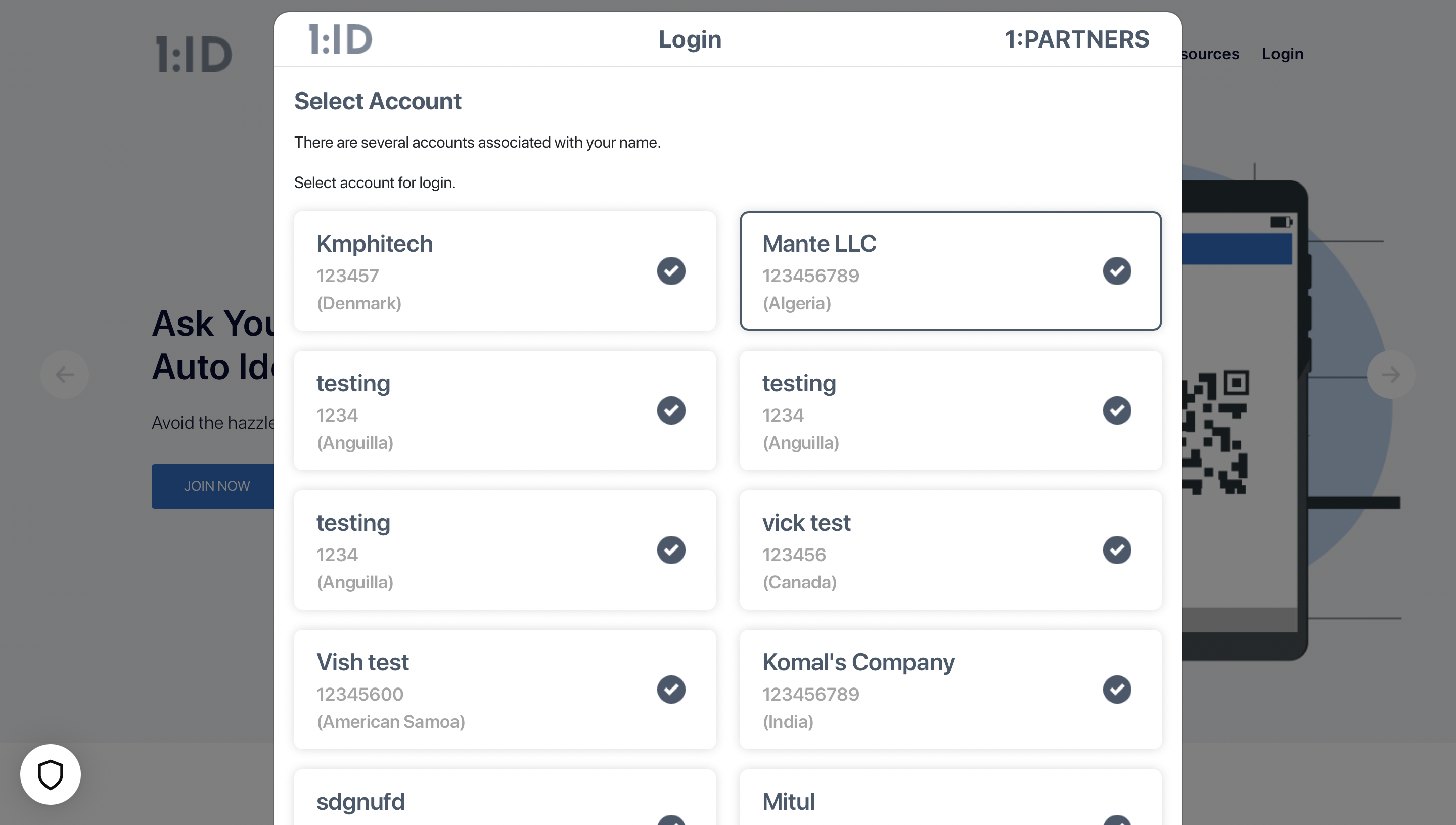
- Now choose the company account you want to login with from the 1:ID website as shown below.
- Upon selecting, you will get a loading screen as shown below.
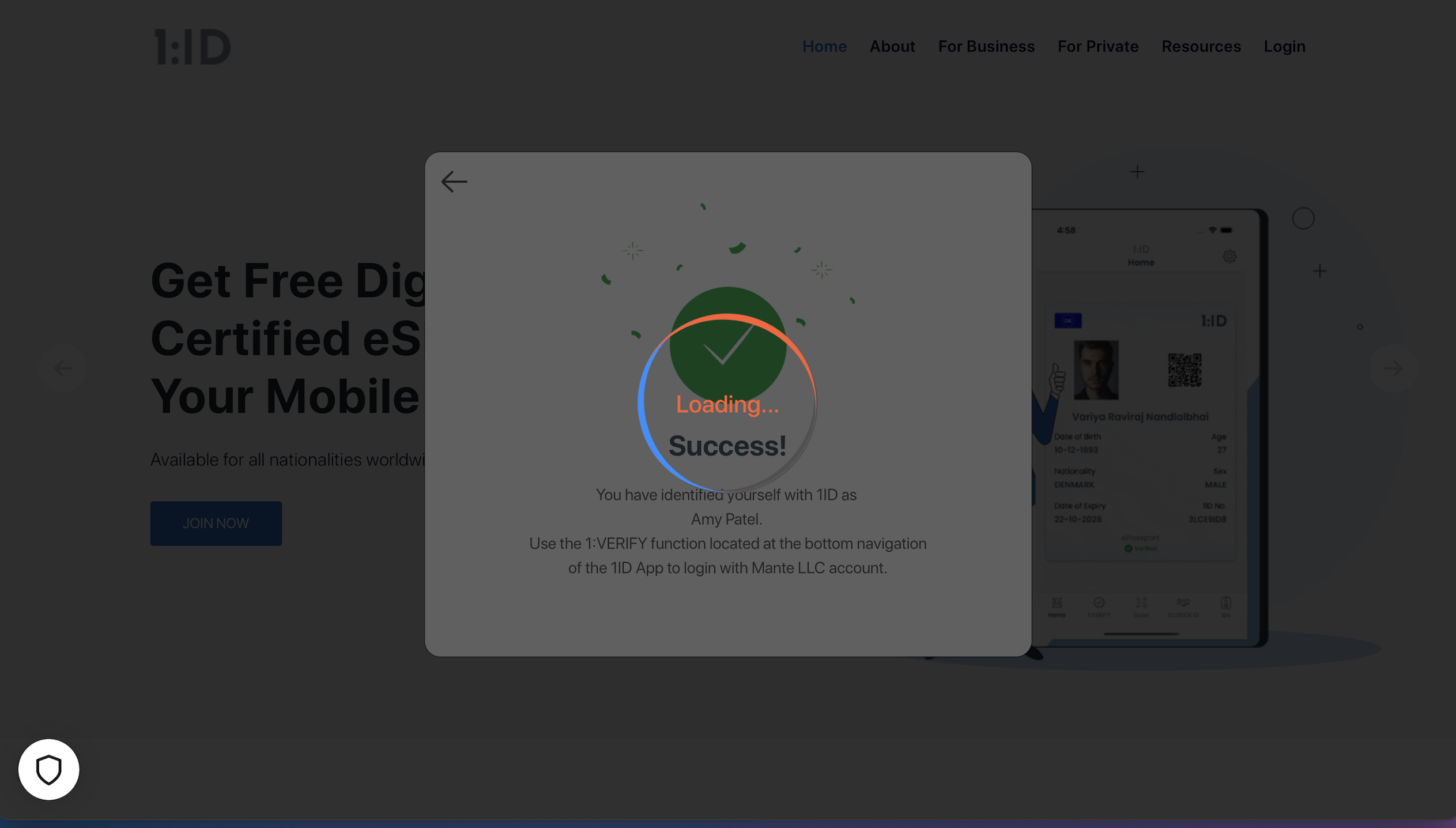
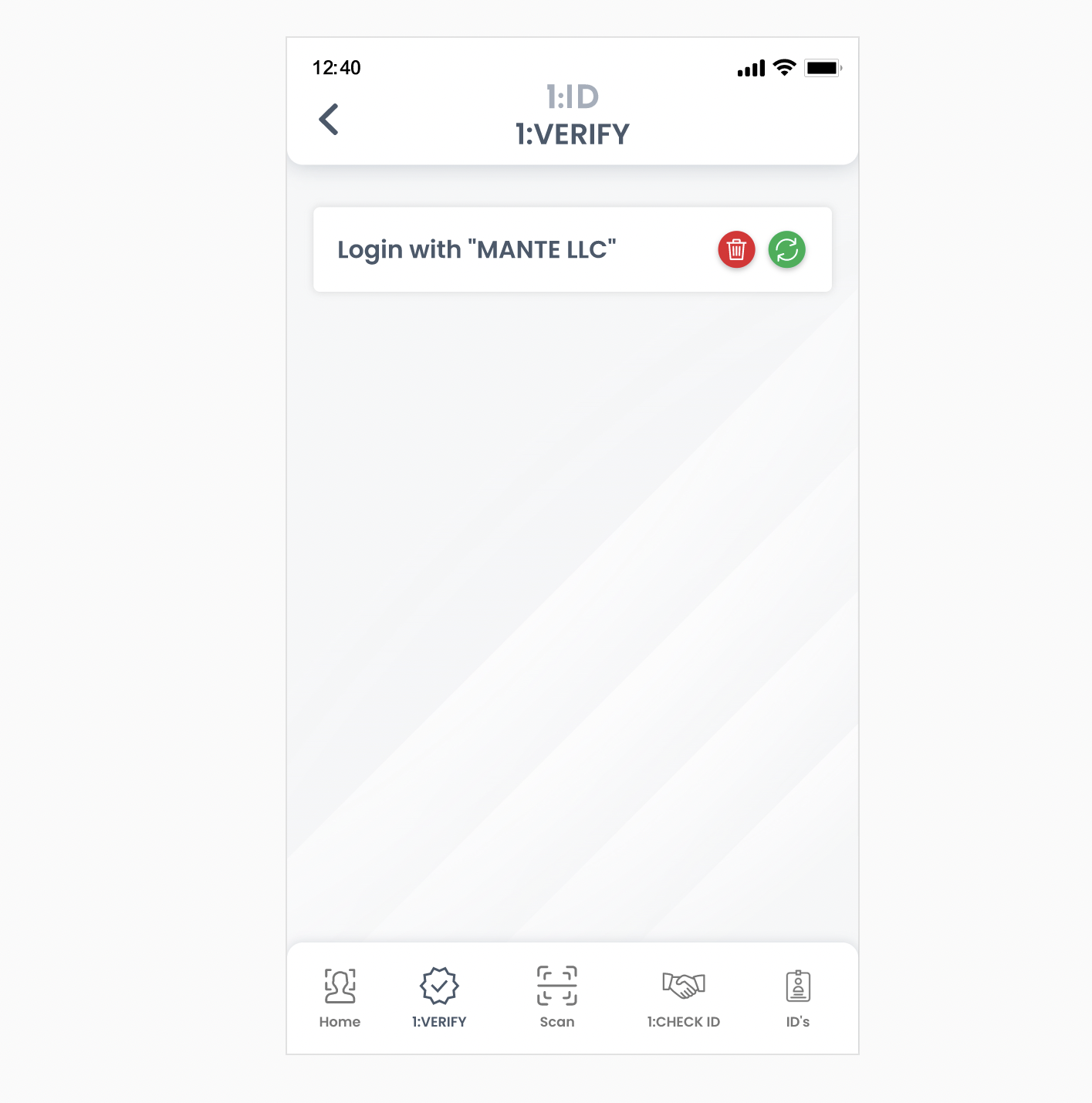
- Now use the 1:VERIFY function located at the bottom navigation of your 1:ID app to login with #CompanyName# account. To continue login, click on the green icon from the below screen.
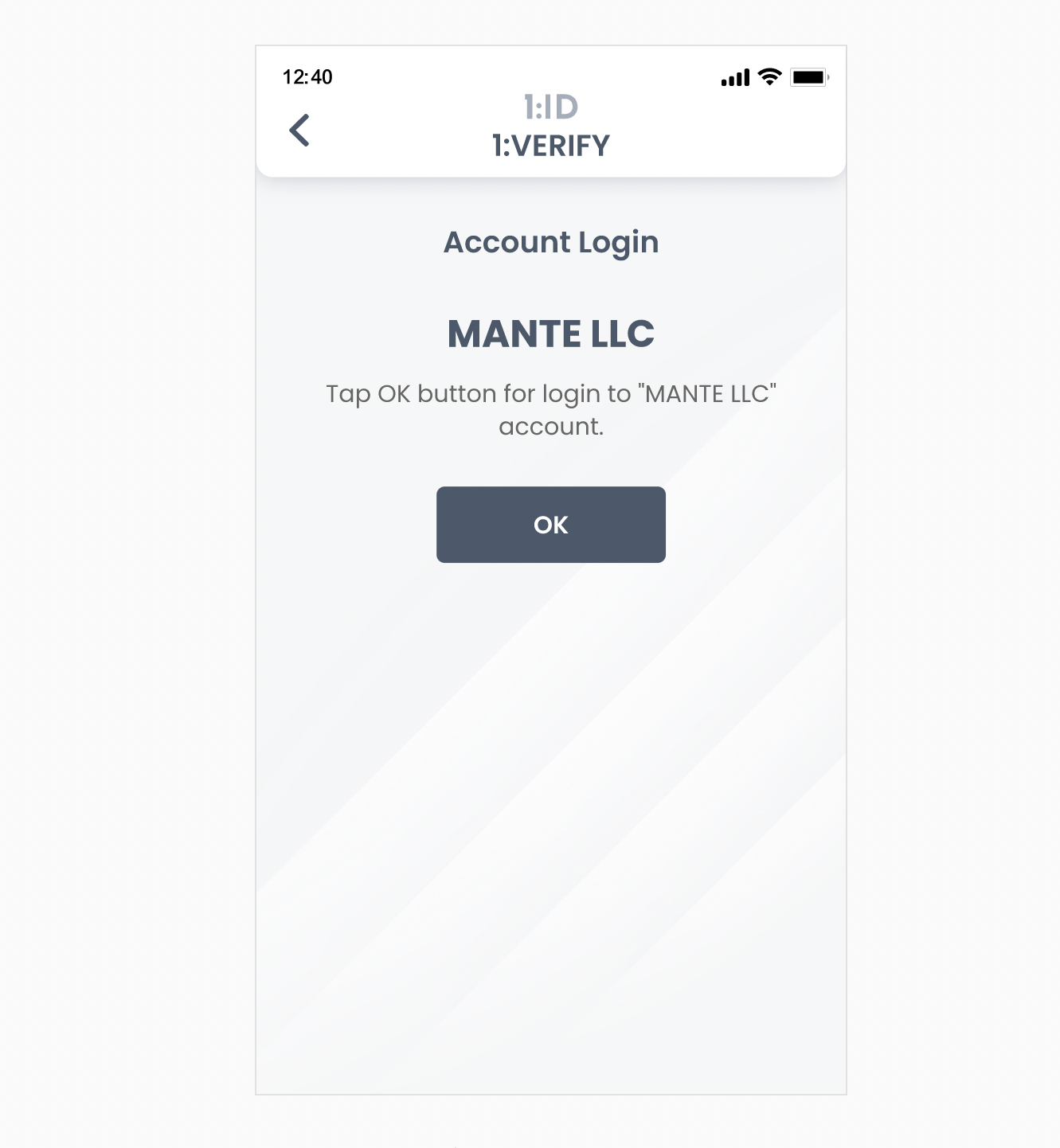
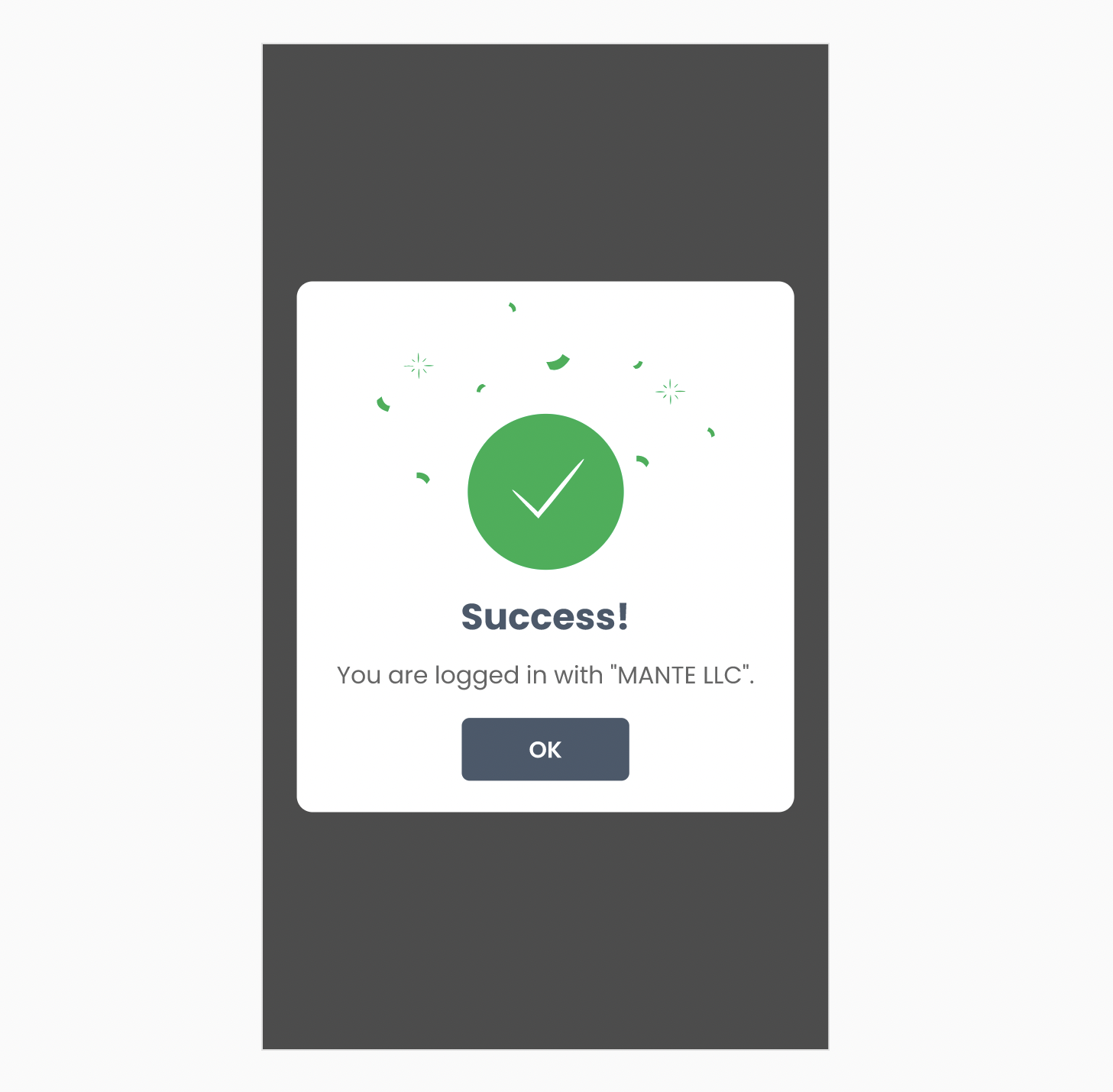
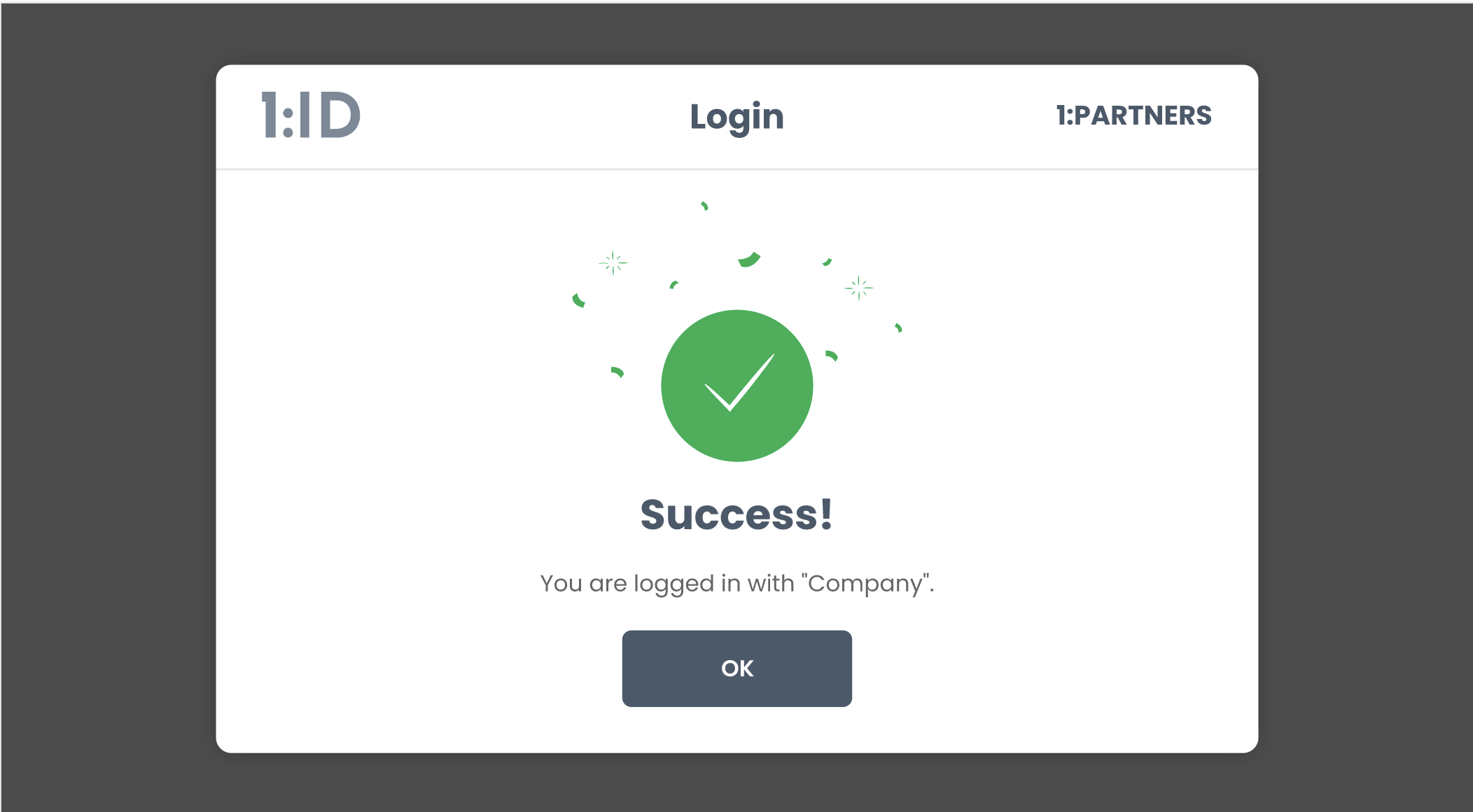
- Click on the OK button in the below screen and now you are successfully logged in with the partner account. You will get a success dialog box on 1:ID app as well as on the 1:ID website for the same.
Updated about 4 years ago